
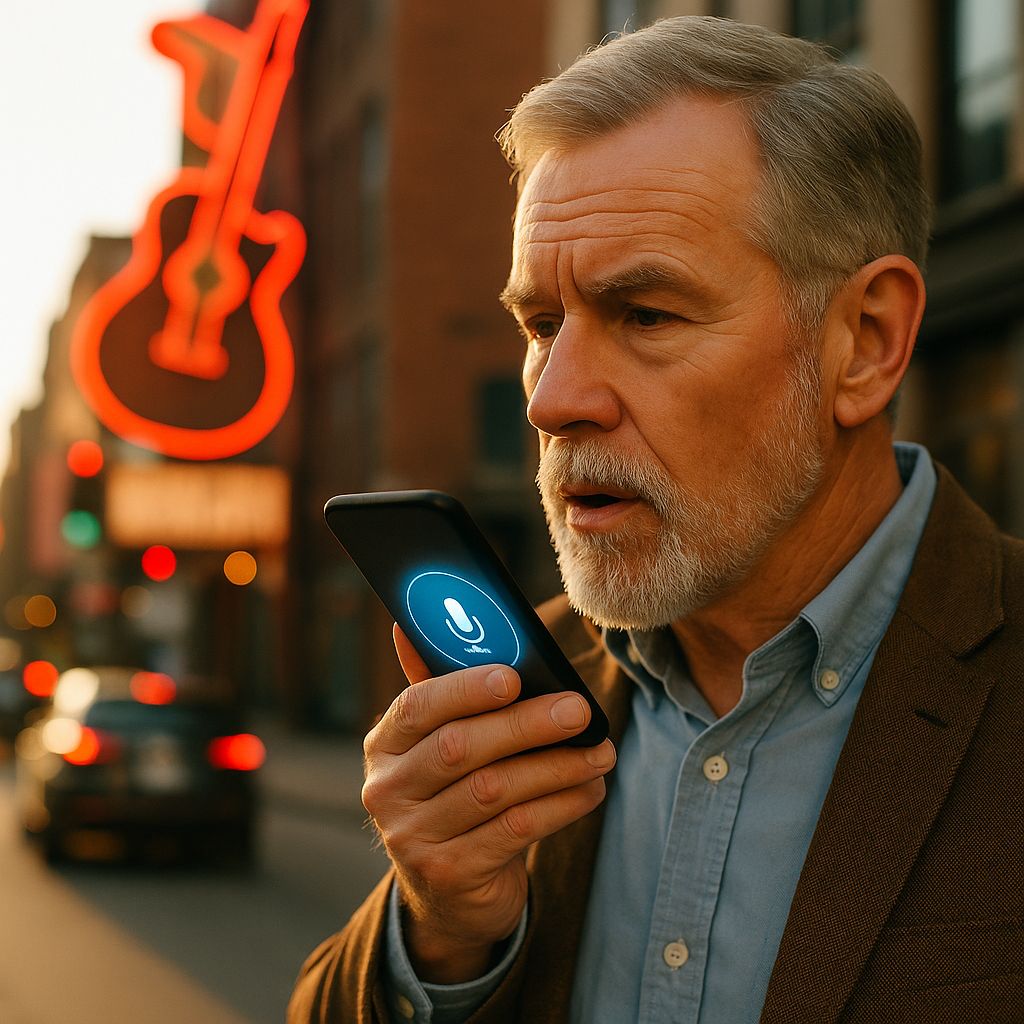
Voice and AI assistant search in Nashville is a fragmented landscape, and the agency commentary treating it as one optimization layer misses how much it has changed. Google Assistant, Siri (now backed by Apple Intelligence), Alexa, Google Gemini, and ChatGPT voice all pull from different data sources and apply different ranking logic, and a Nashville business optimized for one of them can be invisible to the others. Our team at Rank Nashville treats voice and AI assistant search as a multi-platform discipline, not a single-platform optimization, because the platform fragmentation is the operational reality clients face when their customers actually search by voice. This page documents how our team approaches voice and AI assistant search for Nashville clients in 2026, written for prospective clients who want to understand what we actually do across Google Business Profile, Apple Business Connect, Bing Places, and the conversational query layer. For the broader AI search backdrop, see How AI Overviews Reshape SEO and User Intent; for generative engine optimization framework, see The Rise of Generative Engine Optimization.
1. The 2026 Voice Audio-Surface Landscape
Voice and AI assistant search produces visibility on audio surfaces (Echo speakers, HomePod, CarPlay, in-car Google Assistant, AirPods Siri, phone-based voice queries), each backed by a different data source and producing different audio behavior. The audio-surface fragmentation drives how our team approaches Nashville client visibility:
Google Assistant audio surfaces (Android phones, Google Home speakers, in-car Android Auto). Reading aloud is dominantly local-pack-driven for service queries. Pulls from Google Business Profile and Google Maps for the audio answer.
Siri audio surfaces (iPhone voice, HomePod, AirPods, CarPlay). Pulls from Apple Business Connect and Apple Maps, with optional Apple Intelligence and user-prompted ChatGPT pass-through for conversational queries. iPhone voice queries about Nashville businesses route through this stack.
Alexa audio surfaces (Echo speakers, Echo Show, Alexa-enabled vehicles). Pulls from Bing Places, Yelp, and Amazon’s local data partnerships. Echo device users in Nashville reach businesses through this surface.
Google Gemini conversational audio (Gemini app voice mode, Pixel device assistant). A newer audio surface that produces longer conversational responses, with citation patterns rather than direct local-pack reads.
ChatGPT voice mode. A separate audio surface that handles conversational queries with citations to web sources rather than to local-listing data.
Our team treats single-platform optimization as insufficient because the data sources powering each audio surface are different, which means a Nashville business optimized for one platform can be invisible on another. For the broader text-AI search backdrop covering how AI Overviews and conversational citations work across both audio and text surfaces, see How AI Overviews Reshape SEO and User Intent and The Rise of Generative Engine Optimization. This page focuses on the audio-surface fragmentation specifically.
2. The Three-Platform Data Gap
The foundational data gap that affects voice search visibility:
Google Business Profile feeds Google Assistant, Google Maps voice queries, and Gemini’s local responses. Most Nashville businesses have GBP set up, often imperfectly.
Apple Business Connect feeds Siri, Apple Maps, and the iOS native search layer. Many Nashville businesses have not claimed their Apple Business Connect listing, which means Siri responses for queries about their business pull from third-party data that may be wrong, stale, or incomplete.
Bing Places feeds Alexa and the broader Microsoft search ecosystem (Edge browser, Bing Chat, Microsoft 365 search integrations). Many Nashville businesses ignore Bing Places entirely, which makes them invisible to Alexa users.
Our team sets up and maintains all three for Nashville clients because each platform has its own user base and the gap between them is the difference between voice visibility and voice invisibility for those users.
3. How Our Team Sets Up Multi-Platform Listings for Nashville Clients
The setup work our team handles for new client engagements:
- Claim or audit Google Business Profile, optimize categories, photos, hours, services, and Q&A
- Claim or audit Apple Business Connect, align categories and hours, add Apple-specific features (showcases, special hours)
- Claim or audit Bing Places, align with NAP consistency standards, optimize for Alexa-relevant categories
- Verify NAP consistency across all three platforms and across major data aggregators
- Establish review acquisition flow that targets the platform where the client’s actual customers leave reviews
- Monitor for category drift, hours changes, and listing degradation across all three
The work is not glamorous. It is the foundation that voice search optimization sits on. Without it, every downstream optimization fails because the underlying data is wrong on at least one platform.
4. Voice-Specific Query Structure in Our Content Practice
Voice queries about Nashville businesses include qualifiers that typed queries omit: neighborhood specificity, time-of-day context, and intent precision. Our content practice captures these voice-specific structures:
- We build neighborhood-specific landing pages tied to actual Nashville neighborhoods clients serve (12 South, East Nashville, Brentwood, Bellevue, Donelson, Belle Meade) so voice queries with neighborhood qualifiers find a matching page
- We add time-of-day language to operational content (“open now,” “after hours,” “weekend availability”) because voice queries surface immediacy more often than typed queries
- We pair intent qualifiers (“emergency,” “same day,” “this weekend,” “after hours”) with service descriptions because voice queries include intent context typed queries often skip
For the FAQ schema and structured Q&A foundation that conversational voice queries depend on across both voice and AI text surfaces, see Building FAQ Pages That Actually Get Found in Nashville. The FAQ structure is the canonical layer; the voice-specific query structure capture above is the addition our team layers on top of it.
5. Audio-Surface Citation Patterns We Monitor
On audio surfaces specifically (the read-aloud interactions where the user does not see the source page), citation behavior differs from text-surface AI citation. Our team monitors the audio-surface patterns:
Siri audio reads (Apple Intelligence backed). Reads short factual answers from Apple-licensed data sources, with user-prompted ChatGPT pass-through for complex queries. The user hears an answer; the source page often does not get visited. Our investment focuses on Apple Business Connect listing depth and FAQ structures matching Apple’s audio answer formatting.
Alexa audio reads. Reads Bing Places listing data and selected web sources for service queries; reads recipe, news, and answer-style content for informational queries. Our investment focuses on Bing Places listing quality and Q&A structures Alexa’s audio formatting consumes.
Google Assistant audio reads. Reads top organic result snippets, local pack readings, or featured-snippet content. Traditional ranking factors apply, with the additional constraint that the content must read aloud cleanly (short sentences, conversational phrasing).
For text-surface AI citation patterns across Gemini, ChatGPT web search, and Perplexity (the screen interactions where the user can see and click source citations), the analysis lives in How AI Overviews Reshape SEO and User Intent and The Rise of Generative Engine Optimization. Our team coordinates audio-surface investment with the text-surface investment those pages cover.
6. Nashville-Specific Voice Query Patterns We Capture
Voice queries for Nashville businesses follow patterns we observe in client work:
Neighborhood-qualified queries. “Best brunch in 12 South,” “emergency plumber near East Nashville,” “pediatrician in Brentwood that takes Aetna.” Voice queries include geographic qualifiers more often than typed queries.
Time-qualified queries. “Restaurants open now downtown Nashville,” “24-hour mechanic near me,” “is the pharmacy on Charlotte Pike open.” Voice queries include immediacy more often than typed queries.
Intent-qualified queries. “Where can I get a tire replaced in Nashville this afternoon,” “Nashville lawyer who handles slip and fall,” “Nashville HVAC company for emergency AC repair.” Voice queries include specific intent qualifiers more often than typed queries.
Our content practice captures these query structures explicitly through FAQ pages, neighborhood-specific landing pages, and intent-aligned service descriptions. Generic service pages that work for typed queries underperform on voice queries because the qualifying language does not match.
7. How Voice Differs from Map Search in Our Client Reporting
Voice search and map search overlap but produce different conversion behaviors. Our team reports them separately for clients:
- Voice search visitors often arrive without seeing the website (they receive a verbal answer)
- Map search visitors typically see the listing and may visit the website
- Voice search converts through phone calls more than form fills
- Map search converts through both phone calls and direction requests
The reporting distinction matters because optimizing only for visit-and-convert metrics misses the conversion volume voice search produces through direct calls. We track call attribution where the platform supports it (Google Business Profile call tracking, Apple Business Connect contact tracking) and report the voice channel separately from typed search.
8. Seasonal Voice Search Patterns in Nashville
Voice search demand follows seasonal patterns specific to Nashville:
- Emergency-driven verticals (HVAC, plumbing, auto) see voice query spikes during weather events: ice storms, summer heat waves, severe storms
- Tourism verticals (restaurants, attractions, music venues) see voice query patterns aligned with event schedules: CMA Fest, the St. Jude Rock ‘n’ Roll Nashville Marathon, Predators home games, Titans home games
- Service verticals see weekday morning spikes for daily service queries and weekend evening spikes for entertainment queries
Our team plans content publication and listing optimization around these seasonal patterns where the client’s vertical fits. For the temporal mechanism behind why pre-seasonal preparation supports indexing and behavioral-signal accumulation before the demand spike, see Freshness and Publishing Cadence in Our Nashville Client Work, which is the canonical layer for that argument; this voice page focuses on the platform-listing readiness side of the same preparation.
9. Why Single-Platform Optimization Fails (Mechanism, Not Stat)
The mechanism behind multi-platform necessity:
A Nashville HVAC business with strong Google Business Profile but no Apple Business Connect listing receives Google Assistant and Gemini voice queries but is invisible to Siri voice queries. Among iPhone users in Nashville, the business does not exist for voice search.
A Nashville restaurant with strong Yelp presence but weak Google Business Profile receives Alexa queries pulling from Yelp data but underperforms in Google Assistant and Gemini queries.
A Nashville law firm with strong organic SEO but no Bing Places listing performs well in typed search and Google Assistant but disappears in Alexa queries.
The asymmetric platform coverage produces predictable visibility gaps. The fix is not optimization sophistication on a single platform; it is foundational presence across all three. Our team sets up the foundation and then optimizes within each platform.
10. Where Voice and AI Assistant Work Sits in Our Practice
Voice and AI assistant search is a fragment of total Nashville search behavior, but it is a fragment that is growing and that produces phone-call inquiries we have observed converting at higher rates than form-fill traffic in some client engagements (the differential varies by vertical, query intent, and conversion tracking setup). Rank Nashville treats voice and AI assistant work as a foundational layer (multi-platform listing presence) plus a content layer (conversational query structures) plus a monitoring layer (AI assistant citation patterns).
For broader AI search context, see How AI Overviews Reshape SEO and User Intent. For generative engine optimization framework, see The Rise of Generative Engine Optimization. For local pack response when AI search compresses traditional results, see What Should Nashville Businesses Do When Local Pack Results Shrink or Disappear. For local SEO fundamentals where voice work sits, see Nashville Local SEO Services.
If you would like our team to set up multi-platform voice and AI assistant visibility for your Nashville business, the engagement starts with auditing your current presence across Google Business Profile, Apple Business Connect, and Bing Places, plus diagnosing how AI assistants currently respond to queries about your business.
Talk to Rank Nashville
Phone: (615) 988-1309 Address: 615 Main Street, Suite 123, Nashville, TN 37206
Written by Nick Rizkalla, Nashville SEO Lead at Rank Nashville. Over 14 years of experience in search visibility for Nashville businesses across legal, medical, hospitality, home services, retail, and multi-location service industries, including voice and AI assistant search across Google Assistant, Siri, Alexa, Gemini, and ChatGPT.
This page describes how our team approaches voice and AI assistant search for Nashville client work in 2026. It does not constitute platform-specific compliance advice for individual technical environments. Apple Intelligence, Gemini, and ChatGPT product behaviors described reflect documented features as of the post date and may change without notice; voice and AI assistant search is a rapidly evolving layer. Clients should pair this perspective with direct platform observation and platform-specific documentation.